Convert PNG to JPG Online Free: Fast and Easy
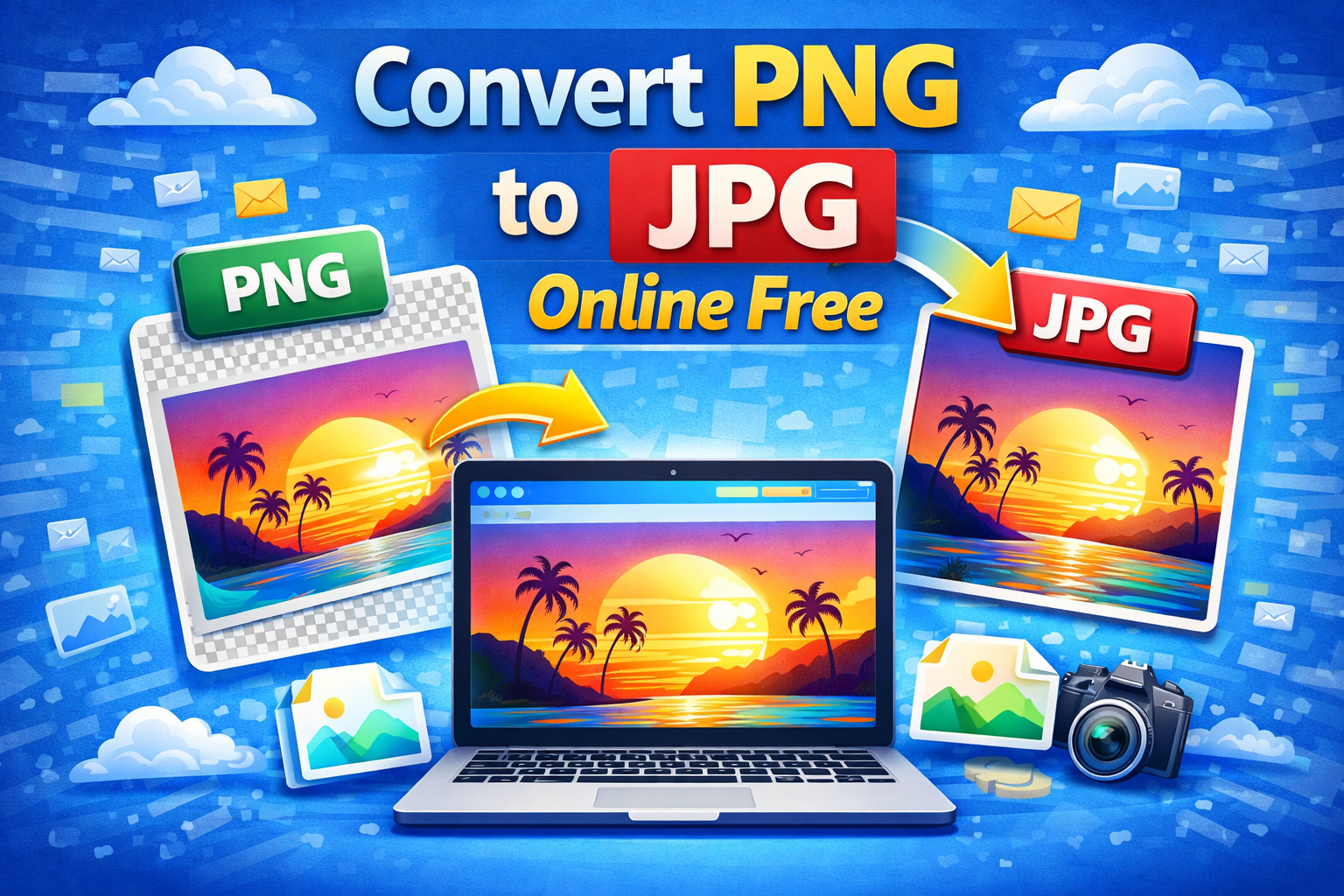
Convert PNG to JPG online free and solve one of the most common image problems in under 30 seconds.
Your PNG file is too large to upload. The platform only accepts JPG. Your email bounced because the attachment was over the size limit. Your website is loading slowly because every image is a heavyweight PNG.
These are not technical problems. They are format problems. And format problems have a simple, free, instant fix.
This guide shows you exactly how to convert PNG to JPG online free, why the switch dramatically reduces file size, when PNG is still the better choice, and how to get the sharpest possible JPG output every single time.
⚡ Quick Answer: Go to theconverterkit.com/image-to-jpg, upload your PNG file, and download a high-quality JPG instantly. Free, no sign-up, no watermarks, works on any device.
Table of Contents
- PNG vs JPG: What Is the Actual Difference?
- Why Convert PNG to JPG Online Free?
- How to Convert PNG to JPG Online Free in 3 Steps
- Convert PNG to JPG Online Free: What Happens to Your Image?
- How Much Smaller Does JPG Get Compared to PNG?
- When to Convert PNG to JPG and When to Keep PNG
- Who Needs to Convert PNG to JPG Online Free?
- How to Get the Best Quality When You Convert PNG to JPG Online Free
- What to Do After You Convert PNG to JPG Online Free
- Common Mistakes to Avoid
- Frequently Asked Questions
Key Takeaways
- Convert PNG to JPG online free at Image to JPG, no account or software needed
- JPG files are typically 50 to 80% smaller than the same PNG image at comparable visual quality
- JPG is universally accepted on every platform, device, browser, and application
- Works on Windows, Mac, iPhone, and Android directly in your browser
- For even smaller files than JPG, convert to WebP at Image to WebP for 25 to 35% additional savings
- Need to turn your image into a document instead? Use Image to PDF to create a professional PDF from any image
PNG vs JPG: What Is the Actual Difference?
Before you convert PNG to JPG online free, understanding what makes these two formats fundamentally different helps you make smarter decisions about every image you work with.
PNG uses lossless compression. Every single pixel in a PNG file is stored at its original value without any quality reduction. When you save a PNG, nothing is thrown away. When you open it again, it looks exactly identical to the original. PNG is the honest format. It stores everything.
JPG uses lossy compression. When you save a JPG, the compression algorithm analyzes the image and discards pixel data that the human eye is statistically unlikely to notice, particularly in areas of gradual color transition like sky, skin, and background blur. The result is a file that looks nearly identical to the original but contains significantly less data.
The practical consequence of this difference is file size.
A photograph saved as PNG might be 8 MB. The same photograph saved as JPG at high quality might be 800 KB. Same image, same dimensions, same apparent quality on screen, one tenth of the file size.
For photographs, that tradeoff is almost always worth making. For logos, icons, and text-heavy graphics, it is often not.
Here is the complete comparison you need to make the right decision every time:
| Feature | PNG | JPG |
| Compression type | Lossless | Lossy |
| File size | Large | Small |
| Transparency support | Yes | No |
| Best for | Logos, graphics, text | Photos, images |
| Universal compatibility | Good | Excellent |
| Quality after multiple saves | No degradation | Slight degradation each save |
| Browser support | Full | Full |
| Print quality | Excellent | Excellent at high settings |
Why Convert PNG to JPG Online Free?
The need to convert PNG to JPG online free comes from three core situations that every person who works with images encounters regularly.
File Size Is Too Large
PNG files are enormous by nature. A single screenshot on a modern 4K display can be 4 to 6 MB as a PNG. A product photograph exported from a camera or editing app can be 10 to 20 MB as PNG. These sizes create real problems.
Email providers reject attachments over 10 to 25 MB. Upload forms on job portals, application systems, and government websites often cap at 2 to 5 MB. Website loading speed suffers dramatically when pages contain multiple large PNG images.
Converting PNG to JPG online free typically reduces file size by 60 to 80% instantly. That 8 MB PNG becomes a 900 KB JPG. The email goes through. The upload succeeds. The website loads faster.
Platform Compatibility Requirements
Some platforms, systems, and workflows only accept JPG. Social media advertising platforms often require JPG for certain ad formats. Print-on-demand services specify JPG for product image submissions. E-commerce platforms recommend JPG for product photography. Email clients render JPG more consistently than PNG in certain environments.
When a platform tells you it needs JPG, the fastest solution is to convert PNG to JPG online free and upload the converted file.
Website Performance Optimization
Every millisecond of page load time affects your Google rankings, your bounce rate, and your conversion rate. Images are consistently the largest files on most web pages, and PNG images are the largest among common image formats.
According to Google’s Core Web Vitals documentation, image optimization is one of the top-ranked opportunities for improving Largest Contentful Paint scores, which directly affect search engine rankings. Converting PNG product images and blog post images to JPG is one of the most impactful performance improvements a website owner can make without touching any code.
How to Convert PNG to JPG Online Free in 3 Steps
The fastest way to convert PNG to JPG online free is through theconverterkit.com/image-to-jpg. Here is exactly how:
Step 1: Upload your PNG file. Click the upload area or drag and drop your PNG directly onto the page. The tool accepts PNG, WebP, BMP, TIFF, GIF, and HEIC files in addition to PNG. Your image loads instantly with a preview so you can confirm it is the correct file before converting.
Step 2: Let the converter process your image. The tool applies optimal JPG compression settings that balance the smallest possible file size against the highest achievable visual quality. You do not need to adjust any settings manually. The default settings produce professional-grade output suitable for web, email, and print use.
Step 3: Download your JPG file. Click Convert and your JPG downloads immediately to your device. Open it to confirm the quality meets your needs. The visual difference between the PNG original and the JPG output is genuinely difficult to detect at normal viewing sizes on screen.
The entire process takes under 30 seconds for any standard PNG file.
Convert PNG to JPG Online Free: What Happens to Your Image?
This is the question that matters most to anyone who values image quality. Here is exactly what changes and what stays the same.
What Changes
File size decreases significantly. The JPG compression algorithm removes pixel data that is statistically unlikely to be noticed by the human eye. The result is a much smaller file. The exact reduction depends on the image content, but 60 to 80% smaller is typical for photographic content.
Transparency is removed. PNG supports transparent backgrounds. JPG does not. Any transparent areas in your PNG become solid white in the JPG output. If your PNG has a transparent background, your JPG will have a white background in its place.
The file extension changes from .png to .jpg. The output file is a standard .jpg that opens correctly in every image viewer, browser, and application.
What Stays the Same
Image dimensions stay identical. A 1920 x 1080 PNG produces a 1920 x 1080 JPG. The pixel dimensions are never changed during format conversion.
Colors and visual content are preserved faithfully. The human eye genuinely cannot distinguish a high-quality JPG from the original PNG at normal screen viewing sizes. The color accuracy, sharpness, and visual fidelity of photographic content is maintained at the quality settings the converter applies.
The image remains fully usable. Your converted JPG works in every application, platform, and workflow that accepts JPG images. There are no restrictions, no watermarks, and no metadata that identifies it as a converted file.
How Much Smaller Does JPG Get Compared to PNG?
Real-world file size reductions when you convert PNG to JPG online free vary by image type. Here are typical results across the most common categories:
| Image Type | PNG Size | JPG Size | Reduction |
| Smartphone photo | 8 MB | 900 KB | 89% smaller |
| Product photograph | 5 MB | 600 KB | 88% smaller |
| Screenshot (4K display) | 4 MB | 700 KB | 83% smaller |
| Blog post hero image | 3 MB | 450 KB | 85% smaller |
| Simple graphic with flat colors | 1 MB | 400 KB | 60% smaller |
| Logo with transparency | 500 KB | 300 KB | 40% smaller |
Photographic content with continuous tones and color gradients shows the most dramatic reductions. Simple graphics with flat colors and sharp edges show more modest reductions because JPG compression is less efficient on high-contrast geometric shapes.
For even smaller output than JPG, convert to WebP format at theconverterkit.com/image-to-webp. WebP achieves 25 to 35% smaller files than JPG at equivalent visual quality, making it the recommended format for website images in 2026.
When to Convert PNG to JPG and When to Keep PNG
Knowing when to convert PNG to JPG online free and when to leave your image as PNG prevents quality and functionality problems.
Always Convert PNG to JPG When:
Your image is a photograph. Any image with continuous color gradients, natural scenes, people, products, food, or any photographic content benefits enormously from JPG compression with minimal visible quality impact.
File size is causing upload or email problems. If your PNG is too large for a form, email attachment, or platform upload, converting to JPG solves the problem instantly.
You are uploading images to a website. Website performance directly affects SEO rankings and user experience. Replacing PNG photographs with JPG on your website pages is one of the fastest performance wins available.
The platform requires JPG format specifically. Some advertising platforms, print services, and content systems require JPG. Convert and upload without discussion.
The image has no transparent background. If your PNG does not use transparency, there is rarely a reason to keep it as PNG when JPG would serve the same purpose at a fraction of the file size.
Keep PNG When:
Your image has a transparent background. Logos, icons, product images that need to float over different colored backgrounds, and any graphic that requires transparency must stay as PNG. JPG replaces transparent areas with solid white, which destroys the transparency functionality entirely.
Your image contains text, sharp lines, or fine detail. JPG compression can create visible artifacts around sharp edges and fine text. Screenshots of interfaces, diagrams with text labels, and graphics with crisp geometric shapes preserve their sharpness better as PNG.
You will continue editing the image. Every time you save a JPG, the lossy compression runs again and quality degrades slightly. If an image is still in your editing workflow, keep it as PNG and only convert to JPG at the final export stage.
The image is a logo or brand asset. Brand consistency requires exact color reproduction. Keep master logo files as PNG or SVG and convert to JPG only when needed for a specific use case.
Who Needs to Convert PNG to JPG Online Free?
The need to convert PNG to JPG online free appears across every creative, professional, and personal context where images are part of daily work.
Web developers and designers convert PNG screenshots, mockups, and design exports to JPG before delivering assets to clients or uploading to websites. Smaller images mean faster sites and better Google PageSpeed scores.
E-commerce store owners photograph products, export from editing software as PNG, and need JPG for uploading to Shopify, WooCommerce, Amazon, Etsy, and every other platform where large PNG files slow down product pages and occasionally fail size limit checks.
Bloggers and content creators work with PNG screenshots and graphics for their articles but need JPG for the fastest possible page loading. Converting featured images and inline images from PNG to JPG before uploading is standard practice among experienced content creators.
Social media managers receive PNG graphics from designers and need JPG for certain ad formats and organic post requirements across Facebook, Instagram, LinkedIn, and Pinterest, all of which handle JPG more efficiently than PNG in their compression pipelines.
Job applicants and students submit portfolios, certificates, and document scans as image attachments. PNG files frequently exceed the size limits imposed by application portals and learning management systems. Converting to JPG makes every submission go through cleanly.
Photographers export editing software previews and client proofs as PNG by default in some workflows. Converting to JPG for client delivery produces professional, manageable file sizes that clients can open, print, and share without storage issues.
Real estate professionals receive high-resolution property photos from photographers in PNG format and need JPG for uploading to listing platforms, email marketing, and virtual tour software that imposes file size limits.
Teachers and academics capture screenshots of research, data visualizations, and reference material as PNG. Converting to JPG before embedding in presentations and documents keeps file sizes manageable and prevents slide decks from becoming unwieldy.
How to Get the Best Quality When You Convert PNG to JPG Online Free
A few simple practices ensure the sharpest, cleanest possible JPG output every time you convert PNG to JPG online free.
Start with the highest resolution PNG you have available. The converter works from whatever you upload. A low-resolution PNG produces a low-resolution JPG. Always convert from the highest resolution source file available, especially when the output will be used for print or large display purposes.
Convert at the final stage of your workflow, not the beginning. If you are still editing an image, keep it as PNG through the entire editing process. Convert to JPG only at the final export step. This preserves full quality through all editing stages and applies JPG compression only once, to the final version.
Check for transparency before converting. Open your PNG in any image viewer and look for a checkered pattern behind the image content. A checkered pattern indicates transparent areas that will become white in the JPG output. If you need to preserve transparency, keep the image as PNG or convert to WebP at theconverterkit.com/image-to-webp, which supports transparency unlike JPG.
Verify the output at full size before using it. After converting, open the JPG and zoom to 100% to check for any compression artifacts, particularly around text, sharp edges, and fine details. If you see blocky artifacts in critical areas, the source PNG may have been a graphic rather than a photograph and PNG may be the more appropriate format for that specific image.
For website use, consider WebP instead. If your primary goal is website performance, WebP is the more modern and efficient choice in 2026. Every major browser supports WebP and it produces smaller files than JPG at equivalent quality while also supporting transparency. Convert at theconverterkit.com/image-to-webp for the best possible web performance.
💡 Pro Tip: If you are converting PNG product images for an e-commerce store, name each JPG file with your target keyword before uploading rather than leaving the default filename like “image001.jpg.” Search engines read image filenames as a minor ranking signal. A file named “red-leather-wallet-mens.jpg” gives your product page a small but real SEO advantage over “image001.jpg.” Convert, rename, then upload for maximum benefit.
What to Do After You Convert PNG to JPG Online Free
Once you convert PNG to JPG online free and have your image file, several natural next steps come up depending on your use case.
If you want even smaller files for website use than JPG provides, convert your JPG to WebP at Image to WebP. WebP produces 25 to 35% smaller files than JPG at the same visual quality and is now supported by all major browsers.
If you need to further reduce the JPG file size without changing the format, use Image Compressor to apply additional compression and bring the file size down even further.
If you need to resize the image dimensions to fit a specific display size or platform requirement, use Image Resizer to set exact pixel dimensions after converting.
If you need to turn your JPG into a professional PDF document, use Image to PDF to create a clean PDF from your converted image.
If you need a scalable vector version of your image for logo use or large-format printing, use Image to SVG to convert your image into a scalable vector format that stays sharp at any size.
Common Mistakes to Avoid When You Convert PNG to JPG Online Free
Converting a logo or icon that has a transparent background. This is the most common and most costly mistake. JPG replaces transparency with solid white. A logo that looks perfect on a white background will show an ugly white box when placed on any colored background. Always check for transparency before converting any graphic file.
Converting text-heavy screenshots and expecting sharp text. JPG compression creates visible artifacts around high-contrast edges like text on a white background. Screenshots of interfaces, documents, and code should stay as PNG to preserve text sharpness. If you must convert, zoom in to 100% and check the text quality before using the output.
Converting and then editing the JPG repeatedly. Each save of a JPG applies lossy compression again. If you convert a PNG to JPG and then continue editing, resizing, and re-saving the JPG multiple times, quality degrades with each save. Convert to JPG only at the final export stage of your workflow.
Assuming JPG is always the right answer for every PNG. JPG is right for photographs and images with continuous tones. PNG is right for logos, icons, diagrams, screenshots, and any image with transparency or sharp geometric edges. Always consider what type of image you are converting before deciding the output format.
Not checking the output file size against the target requirement. After converting, always check that the resulting JPG actually meets the size requirement you were targeting. For very large PNG photographs, a single conversion to JPG may still produce a file that exceeds a tight size limit, in which case follow up with Image Compressor for additional size reduction.
Converting the wrong file. When you have multiple versions of an image, always verify you are converting the correct, most current version. Uploading a converted outdated version to a live website or submitting it in an application is an easy mistake that wastes time to correct.
Frequently Asked Questions
How do I convert PNG to JPG online free?
Go to theconverterkit.com/image-to-jpg, upload your PNG file, and download the converted JPG instantly. The process takes under 30 seconds with no sign-up required.
Does converting PNG to JPG reduce quality?
At high quality settings, the visual difference between a PNG and a converted JPG is genuinely difficult to detect on screen at normal viewing sizes. The file size reduces dramatically while the perceived quality remains virtually identical for photographic content.
How much smaller is JPG compared to PNG?
Typically 60 to 89% smaller depending on the image content. A photographic PNG of 8 MB commonly converts to a JPG of 800 to 900 KB. Simple graphics with flat colors show smaller but still significant reductions.
Can I convert PNG to JPG online free on my phone?
Yes. The tool runs in any mobile browser on iPhone and Android. No app download is needed. Upload, convert, and download directly on your phone.
What happens to transparent backgrounds when I convert PNG to JPG?
JPG does not support transparency. Any transparent areas in your PNG become solid white in the JPG output. If you need to preserve transparency, keep the image as PNG or convert to WebP at Image to WebP.
Is it safe to upload my PNG files to convert them?
Yes. Your file is uploaded over an encrypted HTTPS connection, processed immediately, and deleted from the server automatically. It is never stored, shared, or accessed by anyone.
Should I use JPG or WebP for my website images?
WebP is the better choice for websites in 2026. It produces 25 to 35% smaller files than JPG at equivalent quality and supports transparency. Every major browser supports WebP. Convert at Image to WebP for the best web performance.
Can I convert multiple PNG files to JPG at once?
Upload your PNG file, download the JPG, then upload the next PNG. Each conversion takes under 30 seconds, so converting a batch of images remains fast even with individual conversions.
Related Tools
- Image to JPG — Convert PNG to JPG online free, any format to JPEG
- Image to WebP — Convert to the smallest web image format free
- Image Compressor — Further reduce JPG file size after converting
- Image Resizer — Resize image dimensions online free
- Image to PDF — Turn your converted image into a PDF document
- Image to SVG — Convert images to scalable vector format
- Compress PDF — Reduce PDF file size for sharing
- Word to PDF — Convert Word documents to PDF free
Conclusion
When you need to convert PNG to JPG online free, the decision is almost always the right one for photographs, product images, blog graphics, and any image that does not rely on transparency.
Smaller files. Faster uploads. Better website performance. Universal compatibility. All from a 30-second conversion that costs nothing and requires no account.
The only question worth asking before you convert is whether your PNG uses a transparent background. If it does not, converting to JPG is the right move every time.
Go to theconverterkit.com/image-to-jpg and convert PNG to JPG online free right now.