Convert PowerPoint to PDF Online Free: Every Slide Perfect (2026)
Convert PowerPoint to PDF Online Free: Every Slide Perfect (2026)
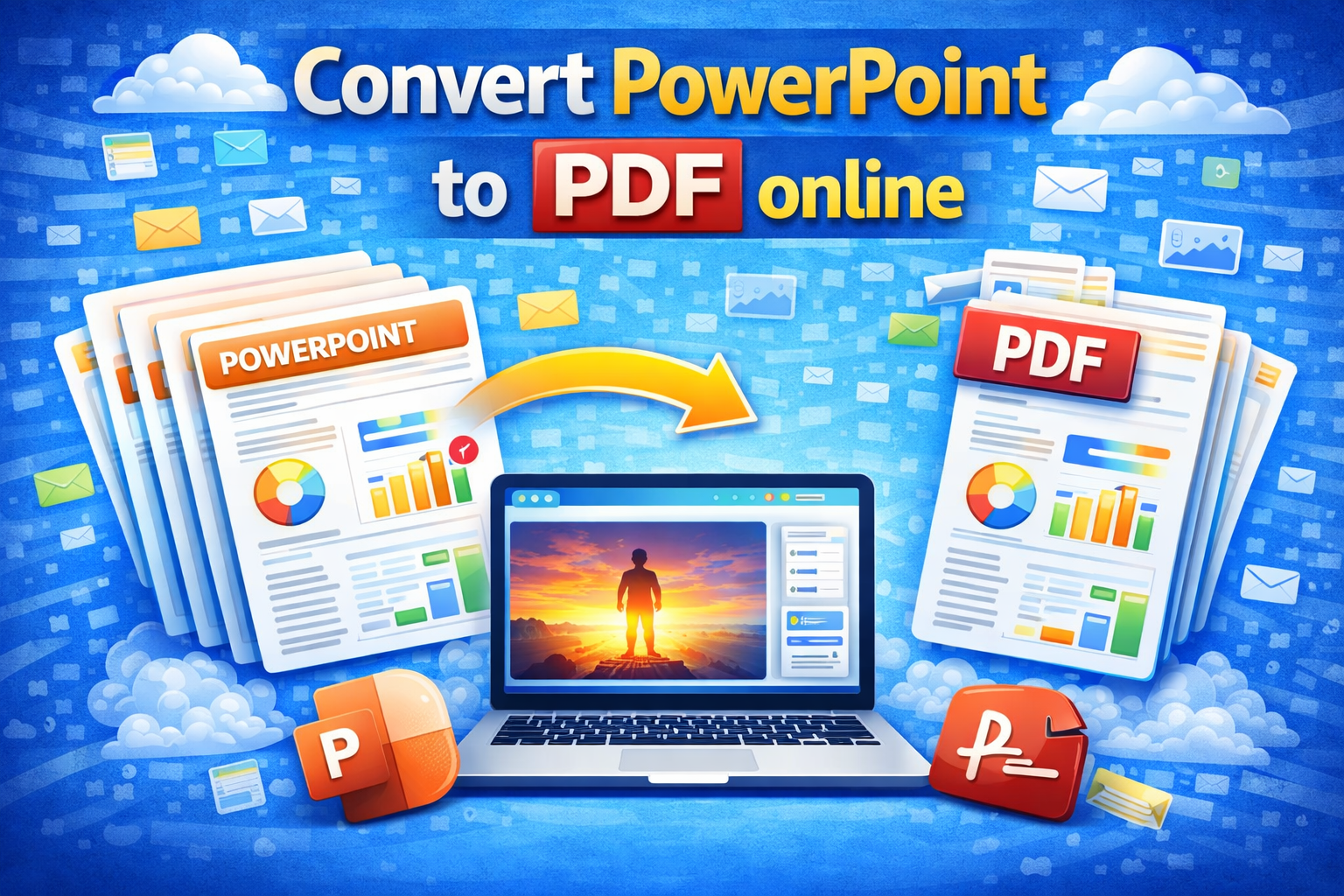
Convert PowerPoint to PDF online free and share any presentation with complete confidence that every slide looks exactly as you designed it, on every device, every time.
You spent hours on that presentation. Custom fonts. Perfectly aligned graphics. Branded colors. Then you send the PPTX file and the recipient opens it on a machine without your fonts. Every slide breaks. Spacing shifts. Your polished work looks amateur before a single word is spoken.
PDF eliminates that problem permanently. One conversion. Zero compatibility issues. Every slide pixel perfect .
Convert PPTX to PDF Instantly Free Tool
Upload your PowerPoint file and download a perfect PDF in seconds. 👉 theconverterkit.com/pptx-to-pdf No sign-up. No watermarks. No software needed.
⚡ Quick Answer: Upload your .ppt or .pptx file at theconverterkit.com/pptx-to-pdf and download a perfectly formatted PDF with every slide intact. Free, instant, works on any device.
Table of Contents
- Why Convert PowerPoint to PDF Online Free?
- PPT to PDF Converter Free: How It Works in 3 Steps
- Convert PPTX to PDF Online Without Losing Quality
- Save PowerPoint as PDF Free on Any Device
- The Real Cost of Sharing PPTX Instead of PDF
- Who Needs a PPT to PDF Converter Free?
- Every Professional Use Case Covered
- How to Get Perfect Results Every Time
- What to Do After Converting
- Common Mistakes to Avoid
- Frequently Asked Questions
Key Takeaways
- Convert PowerPoint to PDF online free with zero software installation and zero account creation
- Every slide becomes one PDF page with fonts, images, colors, and layout perfectly preserved
- Recipients view your presentation on any device without PowerPoint installed
- Works on Windows, Mac, iPhone, and Android directly in your browser
- Need to edit slides again after converting? Use PDF to PowerPoint to reverse the conversion instantly
- Combine your converted presentation with reports or handouts using Merge PDF for one complete professional package
Why Convert PowerPoint to PDF Online Free?
The need to convert PowerPoint to PDF online free is not just about convenience. It is about professional credibility, document integrity, and making sure your hard work actually reaches its audience the way you built it.
Font substitution destroys presentations silently. PowerPoint embeds font references, not actual font files. When a recipient opens your PPTX on a machine without your fonts installed, PowerPoint silently substitutes them with system defaults. Carefully chosen typography becomes Arial or Calibri. Spacing shifts. Text overflows text boxes. Layouts collapse. Your polished deck looks broken and the recipient has no idea it was ever different.
PowerPoint versions create dangerous compatibility gaps. A presentation built in PowerPoint 2021 may render completely differently in PowerPoint 2016, PowerPoint for Mac, LibreOffice Impress, or Google Slides. Animations fail. SmartArt distorts. Newer design features simply vanish on older versions. PDF is tied to no software version whatsoever.
Many recipients do not have PowerPoint installed. Microsoft Office is not free and not universal. Small businesses, freelancers, students, and organizations using Google Workspace may have no PowerPoint application at all. A PPTX file creates an instant barrier. A PDF creates none.
PDF prevents unintended editing. Sharing a PPTX means sharing an editable file. Recipients can change your data, remove your branding, and forward a modified version with your name still on it. PDF is read-only by default.
According to Harvard Business School’s communication guidelines, PDF is the recommended format for all external presentation sharing because it guarantees consistent rendering across every recipient environment regardless of device, software, or configuration.
When your presentation is finished, PDF is the only format worth sharing.
PPT to PDF Converter Free: How It Works in 3 Steps
Using a PPT to PDF converter free online takes under 60 seconds from start to finish. Here is the exact process:
Step 1: Upload your PowerPoint file. Drag and drop your .ppt or .pptx file onto the upload area. Both legacy and modern PowerPoint formats are fully supported. Your file uploads instantly regardless of presentation length or complexity.
Step 2: The converter renders every slide. The tool processes each slide in your presentation, rendering text, images, shapes, charts, tables, SmartArt, backgrounds, and all design elements exactly as they appear in PowerPoint. Every slide becomes one page in the output PDF. A 20-slide deck produces a 20-page PDF.
Step 3: Download and share your PDF. Click Convert and your PDF downloads immediately. Open it in any PDF reader to confirm every slide looks perfect. Share it with complete confidence that every recipient sees the same presentation regardless of their device or software.
Convert PPTX to PDF Online Without Losing Quality
This is the question every professional asks before trusting any conversion tool. Here is the complete, honest answer about what happens when you convert PPTX to PDF online without losing quality.
What Transfers With Perfect Fidelity
Text, fonts, and typography. Every word on every slide renders in your original font at your original size, weight, and color. Custom fonts that cause substitution disasters in PPTX files are rendered directly into the PDF. Recipients see your typography exactly as designed.
Images, photos, and graphics. Every embedded photograph, illustration, icon, logo, and graphic element appears at its original quality and exact position. Nothing shifts. Nothing compresses. Nothing disappears.
Slide backgrounds and branded themes. Custom background colors, gradient fills, texture backgrounds, and full theme designs all render correctly. Your branded presentation maintains its complete visual identity in the PDF output.
Charts, tables, and data visualizations. Bar charts, pie charts, line graphs, data tables with custom formatting, and every other data visualization renders accurately as a sharp visual element.
Shapes, icons, and SmartArt. Custom shapes, process flow diagrams, organizational charts, and SmartArt elements all render correctly as crisp visual elements.
What Changes During Conversion
Animations and transitions become static. PDF is a static format. Each slide appears in its final fully-revealed state. Transition effects do not transfer. This is almost always exactly what you want for sharing and reading.
Speaker notes are not included. Notes written in PowerPoint’s notes pane do not appear in the standard PDF output. Only the visible slide content transfers.
Embedded video becomes a static image. Video files embedded in slides appear as static placeholder images in the PDF.
| Slide Element | PDF Output Quality |
| Text and custom fonts | Perfect — no substitution |
| Images and photographs | Perfect — original quality |
| Branded backgrounds | Perfect — fully preserved |
| Charts and graphs | Perfect — sharp rendering |
| Tables with formatting | Perfect — fully preserved |
| Shapes and SmartArt | Perfect — crisp rendering |
| Animations | Not included — final state shown |
| Speaker notes | Not included |
| Embedded video | Static placeholder image |
Save PowerPoint as PDF Free on Any Device
One of the biggest advantages when you save PowerPoint as PDF free using an online tool is that it works on every device without any software installation.
On Windows: Open your browser, go to the tool, upload, convert, download. No Microsoft Office required. No desktop software needed.
On Mac: The same browser-based process works identically on Safari, Chrome, or Firefox on any Mac running any version of macOS.
On iPhone and iPad: Open Safari, visit the tool, tap to upload from your Files app or Photos, convert, and download the PDF directly to your device. The entire process works on a phone screen without any app download.
On Android: Chrome on Android handles the upload and download process cleanly. Your converted PDF saves directly to your downloads folder and opens in any PDF viewer on your device.
On Chromebook: Chromebooks run Chrome OS without Microsoft Office. Converting PowerPoint to PDF online is the primary way Chromebook users work with PPTX files they receive, making this tool particularly valuable for education environments where Chromebooks are the standard student device.
This is what makes an online PPT to PDF converter free genuinely more useful than desktop software. Desktop software requires installation, updates, licensing, and a compatible operating system. An online tool requires only an internet connection and a browser.
The Real Cost of Sharing PPTX Instead of PDF
Most professionals underestimate how often PPTX files cause problems when shared externally. Here are real scenarios that happen every day.
The font disaster: You used a premium font in your pitch deck. Your investor opens it on a corporate Windows machine without that font. PowerPoint substitutes Calibri. Three slides overflow their text boxes. Your pitch looks amateur before you speak a single word.
The version problem: Your presentation used PowerPoint 2021 design features. The conference AV system runs PowerPoint 2013. Half your slides display incorrectly. You present from a broken deck in front of your entire industry.
The editing incident: You sent your proposal as PPTX. A committee member forwarded it to a colleague who modified your pricing slide before forwarding it further. A PDF would have made this impossible.
The no-PowerPoint problem: Your potential client runs Google Workspace exclusively. They open your PPTX in Google Slides. The layout shifts. Custom shapes look different. Carefully aligned elements move. They see a mediocre version of excellent work.
Every single one of these scenarios is prevented by converting PowerPoint to PDF online free before sending.
Who Needs a PPT to PDF Converter Free?
The need for a PPT to PDF converter free appears across every professional context where presentations are created and shared outside a controlled environment.
Business professionals and executives create pitch decks, strategy presentations, and board presentations that must look flawless for high-stakes audiences. PDF guarantees that investors and board members see exactly what was designed rather than a substituted approximation.
Sales teams build proposal decks and product presentations that go to external clients with unknown device configurations. Client software environments are completely unpredictable. PDF removes every variable.
Teachers and professors distribute lecture slides to students on personal devices with wildly varying software. PDF ensures every student sees correctly formatted slides regardless of whether they use Windows, Mac, Chromebook, or mobile.
Researchers and academics submit conference presentations to organizers who specify PDF as the required format because it works on every AV system without compatibility risk.
Consultants and analysts deliver findings presentations that get forwarded through multiple levels of client organizations to people on various devices. PDF travels cleanly through every hand.
Job applicants submit portfolio presentations and work sample decks through applicant tracking systems that universally accept PDF and inconsistently accept PPTX.
Event speakers submit slides to event coordinators for AV setup and attendee distribution. Every conference coordinator prefers PDF because it works on every system without exception.
Every Professional Use Case Covered
Different contexts require slightly different approaches when you convert PowerPoint to PDF online free.
Client presentations and pitch decks: Convert immediately before sending. The recipient’s device is unknown and unpredictable. PDF removes every variable. Send PDF as your primary deliverable.
Conference submissions: Always submit PDF unless the organizer explicitly requires PPTX. Most event AV systems work best with PDF. It is the safe professional choice in every conference context.
Internal team distribution: Convert to PDF for distribution to a large team on different devices. Keep the PPTX as your working file for future updates. Everyone sees identical slides.
Academic submission: Always submit PDF unless the institution specifically requires PPTX. Academic submission systems accept PDF universally.
Archiving completed presentations: Convert every finished presentation to PDF for long-term archives. A PDF from 2026 will display correctly in 2036. A PPTX from 2026 may not render correctly in future PowerPoint versions.
How to Get Perfect Results Every Time
These preparation steps take two minutes and ensure your converted PDF is professional-grade every single time.
Review in Slide Show mode before converting. Switch to full-screen Slide Show mode and advance through every slide. This reveals layout issues, text overflow problems, and misaligned elements that are less obvious in editing view. Fix everything in PowerPoint before converting, not after.
Check that slide dimensions match your intended output. Standard widescreen presentations use 16:9 dimensions. Older presentations use 4:3. Confirm your dimensions in PowerPoint’s Design tab before converting so PDF pages match your intended proportions.
Verify no text boxes are overflowing. Text slightly too large for its text box sometimes hides the overflow in PowerPoint’s editing view but shows it clearly in PDF rendering. Check every text box on every slide carefully before converting.
Delete hidden slides you do not want distributed. Hidden slides in PowerPoint are excluded from Slide Show playback but are included in PDF conversion by default. Remove any hidden slides you do not want in the distributed PDF before uploading.
💡 Pro Tip: If your converted presentation PDF is too large to email comfortably because of high-resolution embedded images, use Compress PDF immediately after converting. A 45 MB presentation PDF typically compresses to 8 to 12 MB with minimal visible quality difference, making it perfectly email-ready without rebuilding the original file.
What to Do After Converting
Once you have your presentation as a PDF, these follow-up steps are the most commonly needed depending on your specific workflow.
If you need to send only specific slides to a particular audience rather than the full presentation, use Split PDF to extract exactly the slides you need as a separate focused document.
Common Mistakes to Avoid
Converting without a final slide review. The converter reproduces exactly what is in your PowerPoint file. Layout errors in the original appear identically in the PDF. Always review in Slide Show mode before converting.
Sending without opening the PDF first. Always open your converted PDF and scroll through every slide before sending. Confirm fonts rendered correctly, images appear at the right positions, and no slides show unexpected formatting. Two minutes of review prevents professional embarrassment.
Expecting animations in the PDF. Presentations relying heavily on progressive animation reveals may appear to show all content simultaneously in the static PDF output. If animation sequence is critical to understanding the content, add notes explaining the intended reveal order or create additional intermediate slides before converting.
Using low-quality source images and expecting PDF to improve them. Image quality in the PDF output directly reflects image quality in the original presentation. Replace low-quality images in PowerPoint before converting, not after.
Forgetting confidential content on hidden layers. Text boxes or design elements hidden behind other elements can appear in PDF rendering. Review every slide carefully for content that should not be in the distributed version.
Ignoring file size before sending. Always check your converted PDF file size before attaching to an email. High-image presentations frequently produce large PDF files. Compress before sending if needed.
Frequently Asked Questions
How do I convert PowerPoint to PDF online free?
Upload your .ppt or .pptx file at theconverterkit.com/pptx-to-pdf and download a perfectly formatted PDF with every slide preserved. The process takes under 60 seconds with no sign-up required.
Does a PPT to PDF converter free preserve my custom fonts?
Yes. The converter renders fonts directly into the PDF output, so your typography displays correctly on every device regardless of whether the recipient has those fonts installed.
Can I save PowerPoint as PDF free on my iPhone?
Yes. The tool runs in Safari or Chrome on any iPhone or iPad. No app download is needed. Upload your PPTX and download the PDF directly to your device.
Will my charts and tables look correct in the PDF output?
Yes. Charts, graphs, tables, shapes, and SmartArt all render accurately as sharp visual elements in the PDF. Data labels, axis labels, and table formatting all transfer correctly.
Do animations appear when I convert PPTX to PDF online?
No. PDF is a static format. Each slide appears in its final fully-revealed state. Animations and transitions do not transfer, which is the correct behavior for a shareable document.
Is it safe to upload my presentation file?
Yes. Your file transfers over an encrypted HTTPS connection, processes immediately, and deletes from the server automatically. It is never stored or shared with anyone.
What if I need to edit the slides after converting to PDF?
Use PDF to PowerPoint conversion to get back an editable PPTX file, make your updates, then convert to PDF again when finished.
Why does PDF look different from my PowerPoint on screen?
PDF uses fixed page layout while PowerPoint uses a slide canvas. Minor spacing and margin differences are normal. All content, fonts, images, and design elements render correctly. The visual difference between editing view and PDF output is normal and expected.
Related Tools
- Word to PDF — Convert Word documents to PDF for sharing
- Image to PDF — Turn images and photos into a professional PDF document
Conclusion
When you convert PowerPoint to PDF online free, you guarantee that every hour invested in your presentation reaches its audience exactly as you intended.
No font substitutions. No version gaps. No accidental editing. No recipients who cannot open the file. Just a pixel-perfect, universally readable presentation on every device, every time.
Whether you are sending a pitch deck to investors, distributing training materials to a global team, submitting to a conference, or archiving your work permanently, converting your finished presentation to PDF is the single most important step between completing your slides and sharing them with the world.
Visit theconverterkit.com/pptx-to-pdf and convert PowerPoint to PDF online free right now.